Plan Appointments
Walk into every appointment prepared. Advoca helps you plan upcoming visits, write down your questions beforehand, and sends you a reminder on the day so you never forget to ask what matters most.
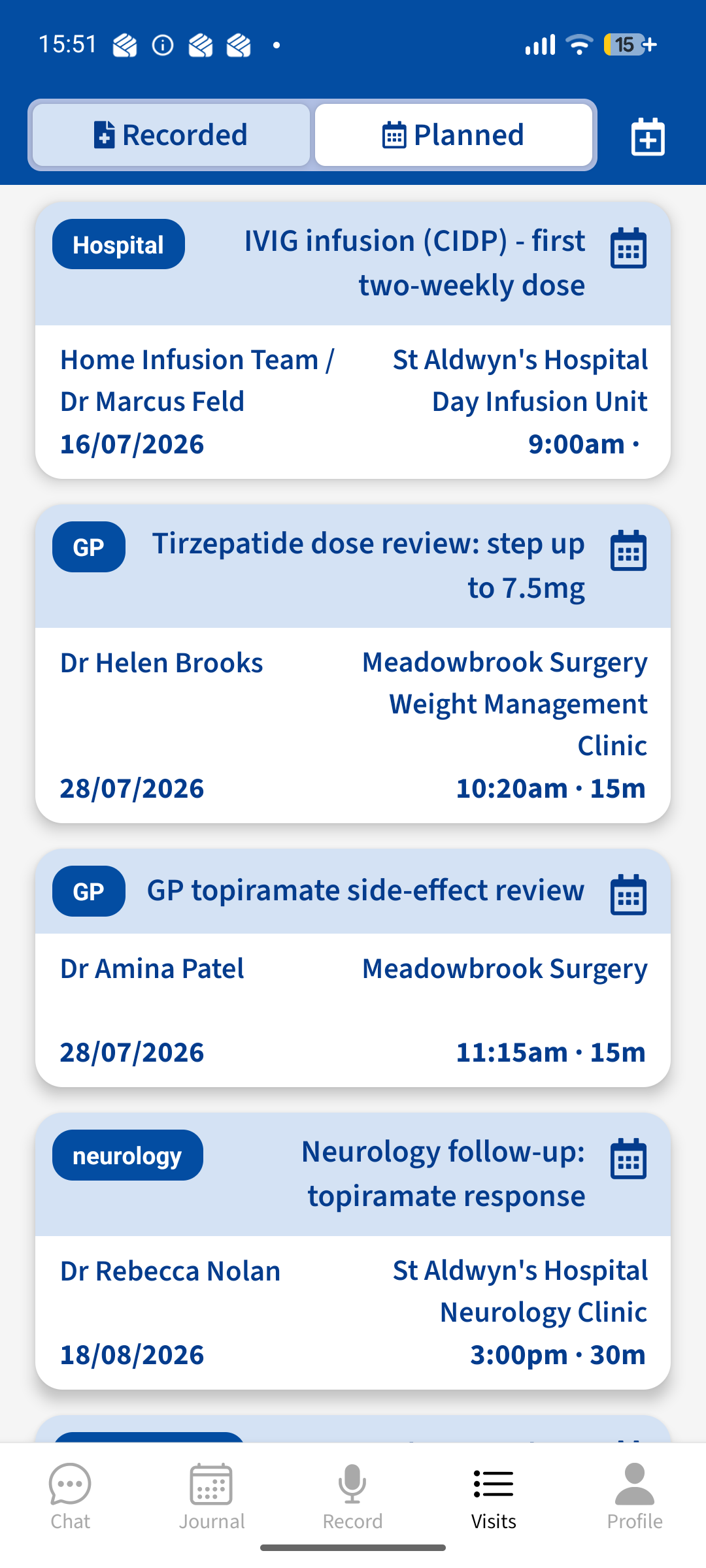
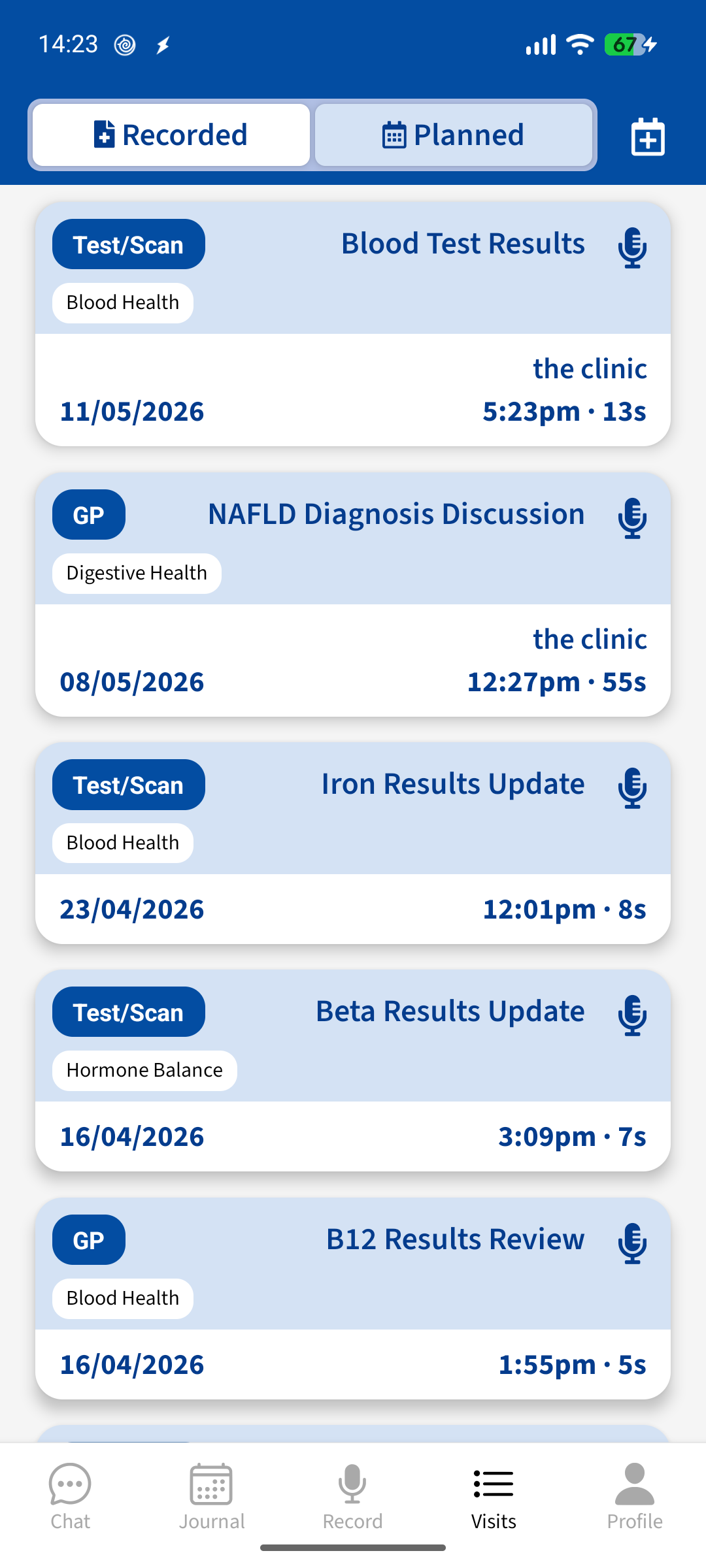
Advoca appointment planner showing upcoming visits
A simple way to prepare for every appointment
Advoca's appointment planner lets you log upcoming visits, jot down the questions you want to ask and the things you need to mention, and then reminds you on the day. Your notes pop up when you start recording, so you walk in confident that nothing important will slip through the cracks.
"Patients who prepare a written list of questions before their appointment ask more questions and recall more of what their doctor tells them — without making the appointment longer or increasing anxiety."

Add an appointment in seconds, by chat or by form
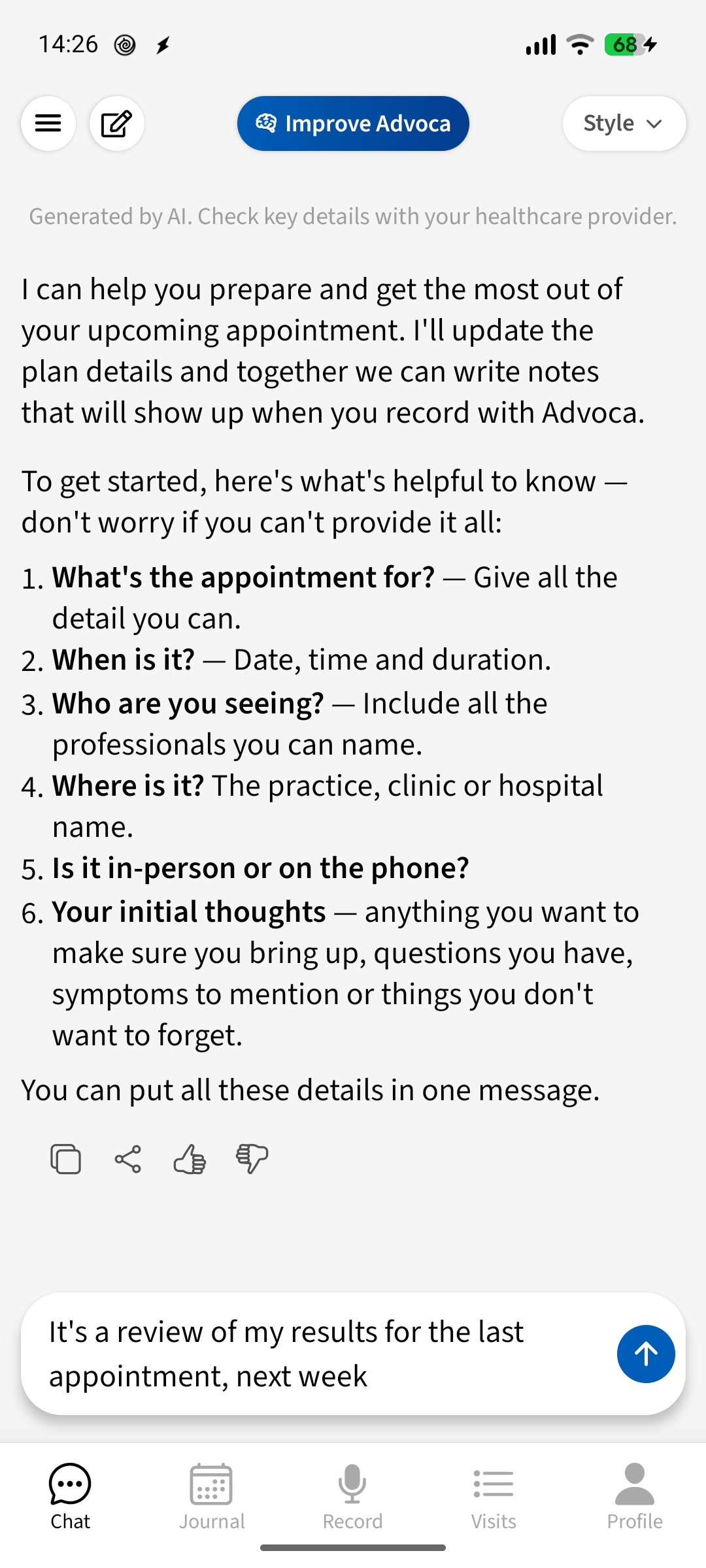
The moment you book a visit, you can log it in Advoca so it's ready when the day comes. Tell Advoca the doctor, the specialty, the location and the time, either by typing in a quick chat or filling in the form yourself. Either way takes less than a minute, and it means you'll have a dedicated place to collect your thoughts before you go in.
- Chat or form, your choice — type "I have a follow-up with Dr Smith on Tuesday" and the details are saved for you
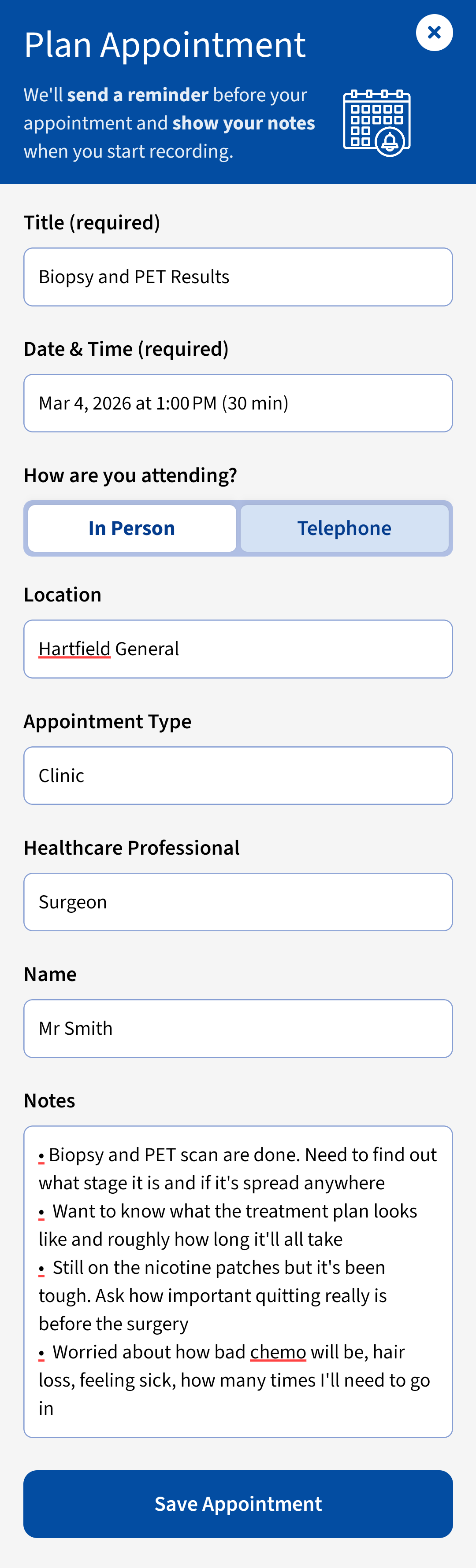
- All the key details in one place: doctor, specialty, location, date and time, so nothing gets lost between booking and showing up

Write down your questions so nothing gets forgotten
Research shows that patients who write questions beforehand remember more of what their doctor says. Advoca gives each planned appointment its own notes section where you can list symptoms to mention, questions to ask, and results to discuss. You can add to them any time before your visit, and Advoca can help you find trusted information to shape your questions.
- Build your question list over days — add a note whenever something occurs to you, not just the night before
- Advoca helps you prepare by finding trusted medical information relevant to your upcoming visit, so your questions are focused

A reminder on the day so you're ready to record
On the morning of your appointment, Advoca sends a reminder that prompts you to open the app and record. It also syncs with your phone's calendar so your visit appears alongside everything else in your day. For telephone appointments, the reminder explains how to record the call. So when the time comes, you're ready to capture what matters.
- Get a reminder on the day, so you never forget to record — for phone appointments, it explains exactly how to capture the call
- Syncs with your phone's calendar, so your visit sits alongside the rest of your schedule without extra effort

Your notes pop up the moment you start recording
You spent time writing down what to ask, and Advoca makes sure you actually see it when it counts. The moment you tap record, your preparation notes appear in a small pop-up on screen. Glance at them mid-conversation to check you've covered everything. After the appointment, your notes stay attached to the visit so you can review what you planned to ask against what was actually discussed.
- Notes appear as a pop-up when recording starts, so you can glance at your questions without interrupting the conversation
- Compare what you planned to ask with what your doctor covered, so you can follow up on anything missed
From booking to walking in prepared, in three steps
- 1Add your appointmentTell Advoca the doctor, time, location and specialty, either by chatting or filling in the form. It takes less than a minute.
- 2Write your notesAdd questions, symptoms to mention and topics to discuss. Come back and update them any time before the visit.
- 3Walk in readyOn the day, you get a reminder. When you tap record, your notes pop up on screen so you don't forget to ask what matters.
Helpful for anyone managing ongoing care
Whether you see specialists regularly or have a one-off visit coming up, find the page built for your situation.
Prepared patients, better conversations
[Testimonial pending — real user quote needed]
[Testimonial pending — real user quote needed]
[Testimonial pending — real user quote needed]
Why Advoca instead of a notes app or a scrap of paper
Most people try to remember their questions or scribble them on paper. Here's how Advoca is different.
| Advoca | Notes apps / paper | |
|---|---|---|
| Linked to the appointment | Yes — notes are attached to the specific visit, with the doctor, time and location | No — you have to remember which note belongs to which appointment |
| Reminder on the day | Yes — Advoca reminds you to record and shows your notes when you tap record | Only if you set a separate alarm; your notes stay buried in another app |
| Helps you prepare | Yes — Advoca can search trusted medical information to help shape your questions | No — you're on your own searching the web |
| Connects to your recording | Yes — your notes appear during the appointment and stay linked to the summary afterwards | No — paper questions stay in your pocket; the conversation goes unrecorded |
Your questions, answered
Is Advoca's appointment planner free?
Yes. Planning appointments, adding notes and getting reminders are all free when you join our research community. Joining means letting us share your fully anonymised data to help advance research into conditions like yours — you can opt out at any time. If you'd rather not take part, our optional premium tier gives you full access without joining.
Does writing questions before an appointment actually help?
Yes. A 2023 study in the British Journal of Surgery found that patients who used a written question list asked more questions, recalled more medical information, and did not experience increased anxiety or longer consultations. NICE guideline NG197 (2021) also recommends offering patients resources to help them prepare before a discussion.
Can I plan telephone or video appointments too?
Yes. Advoca treats telephone and video appointments the same as in-person visits. You can add the details, write your notes and get a reminder. For telephone appointments, the reminder includes guidance on how to record the call on your device.
What happens to my notes after the appointment?
Your preparation notes stay attached to the visit. After you record, you can compare what you planned to ask against the summary of what was discussed. You can also go back and update them later, for example to add a question for next time or record something you want to remember.
Does Advoca sync with my phone's calendar?
Yes. Advoca integrates with your phone's native calendar (Google Calendar on Android, Apple Calendar on iOS) so planned appointments appear alongside the rest of your schedule. On the day of your visit, you'll receive a notification reminding you to open Advoca and record.
More ways Advoca helps you
Appointment recording
Record your consultation and get a clear summary with the jargon explained, so you remember exactly what was said.
Learn more →Health chat
Ask any health question and get answers from your own record and trusted sources, with every source shown.
Learn more →Health journal
Track symptoms, medications, mood and results between appointments so you have a clear picture to share with your doctor.
Learn more →Advoca helps you record, understand and organise your care. It is not a substitute for professional medical advice, and it does not diagnose conditions or make treatment decisions — always speak to a qualified healthcare professional.
Advoca's assistant transcribes, summarises and explains your health information, grounded in trusted medical sources and overseen by our clinical team. It does not diagnose or replace your doctor — and, like any AI, it can occasionally get things wrong, so we always show you the sources and full transcript behind its answers.
Become an expert on your own care.
Free to download, built by doctors, and private by design. Start in minutes.